Integrations & human handover

Connect the conversation to the people and systems that move it forward.

A customer can have a brilliant WhatsApp conversation and still hit a dead end if the information stays trapped in the chat. Capture 1 connects WhatsApp, automation and AI to the systems and people behind your customer journey.

Less copying and chasing for your team. Fewer broken handovers for the customer.

Ashcombe House replies instantly

We’re looking at September next year for around 90 people.

September 2027, 90 guests. Will you need bedrooms on the night?Automated, asked once

Yes, about 30.

Rachel from our weddings team will pick this up in the morning. She can already see everything you’ve told me.Handed over with context

One thread · nothing repeated

Two routes out of one conversation

Into your systems

DateSept 2027

Guests90

Bedrooms30

To your team

AssignedRachel

TeamWeddings

HistoryAttached

The problem worth solving

A good conversation should not create another silo.

Businesses add a communication channel and accidentally create another place for information to live. The technology all works individually. The customer journey still feels disconnected.

Website form

Name, date, guest numbers

WhatsApp

Name, date, guest numbers

Asked again

CRM

Name, date, guest numbers

Copied by hand

The team member

“Remind me of the date?”

Asked again

Booking system

Knows the date, not the journey

Disconnected

Two handovers

Two kinds of handover matter.

When we design a customer communication solution, we usually think about both at the same time.

From automation to person

When AI or automation has done enough, the conversation moves to a human team member without forcing the customer to begin again.

The strongest solutions make both feel like one journey.

Not a chat tool bolted onto a CRM, and not an inbox that someone has to translate into an action.

What an integration is for

Make the conversation useful beyond the conversation.

An integration should solve a real workflow. It does not need to be complicated for the sake of it.

A new enquiry

Create or update the CRM contact and pass across the information already collected.

An event registration

Start the right confirmation, reminder or attendee journey from registration data.

A booking or appointment

Trigger useful pre-arrival or preparation communication at the right time.

A customer preference

Store it where it can improve the next stage of the customer journey.

A completed conversation

Record a useful outcome, tag or status for reporting and follow-up.

A request for human help

Route the conversation to the right team or person, with the history available.

Sometimes a Google Sheet is genuinely enough.

Sometimes the right answer is a direct CRM integration. Sometimes a workflow through Make or Zapier. Sometimes an API connection. We start with what the business needs to happen, then choose the simplest reliable way to make it happen.

The journey

From customer message to business action.

The value is easier to see as a journey than as a list of integrations. This is the same September wedding enquiry, all the way through.

1

The customer starts

From a website, QR code, advert, campaign, registration, booking or an existing WhatsApp channel.

Scanned a code at a wedding fair

2

Automation gathers context

Only the information that helps determine the right answer, route or next step.

Sept 2027 · 90 guests · 30 rooms

3

AI answers open questions

Where appropriate, using the approved knowledge built around the organisation.

“Is the terrace included?”

4

A decision is made

Continue automatically, update another system, trigger a workflow or involve a person.

Exclusive use — needs the weddings team

5

The information moves too

Contact details, answers, tags, preferences, status and conversation context support the next stage.

Record created · thread attached

6

The journey continues

CRM follow-up, booking, registration, customer service, marketing, operations or a human conversation.

Rachel picks it up at 9am

The same record travels the whole way.

Nothing is retyped between the stages, and nothing useful is left behind in the chat.

The recurring thread

One enquiry. Everything captured on the way through.

While the customer was simply answering sensible questions, a usable record was being built behind the conversation.

By the time a person becomes involved, the enquiry already has structure, a source and a set of answers. Your team starts from a position rather than from scratch, and the customer never notices the work.

A couple at home enquiring about a wedding venue on WhatsApp while the venue website stays open on a laptop

Enquiry · Ashcombe HouseCreated from WhatsApp

Enquiry typeWedding, exclusive use

Date rangeSeptember 2027

Guest numbersAround 90

Bedrooms30 on the night

SourceWedding fair QR code

StatusAssigned to weddings team

None of this was typed in by your team.

Human handover

The point of automation is not to avoid people.

Some conversations suit automation. Others become more valuable the moment the right person joins them. We design human handover into the journey rather than treating it as a failure of the automation.

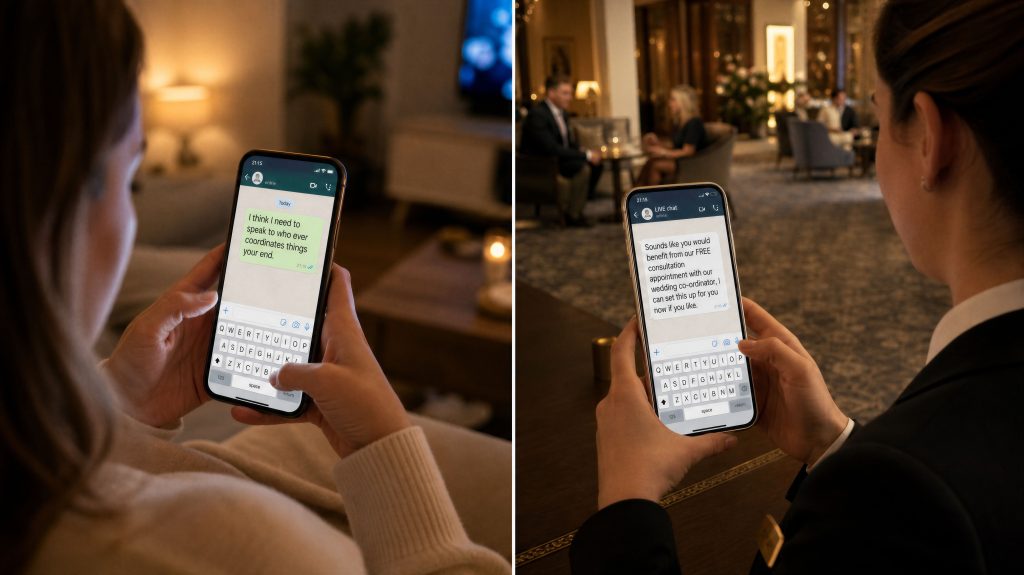
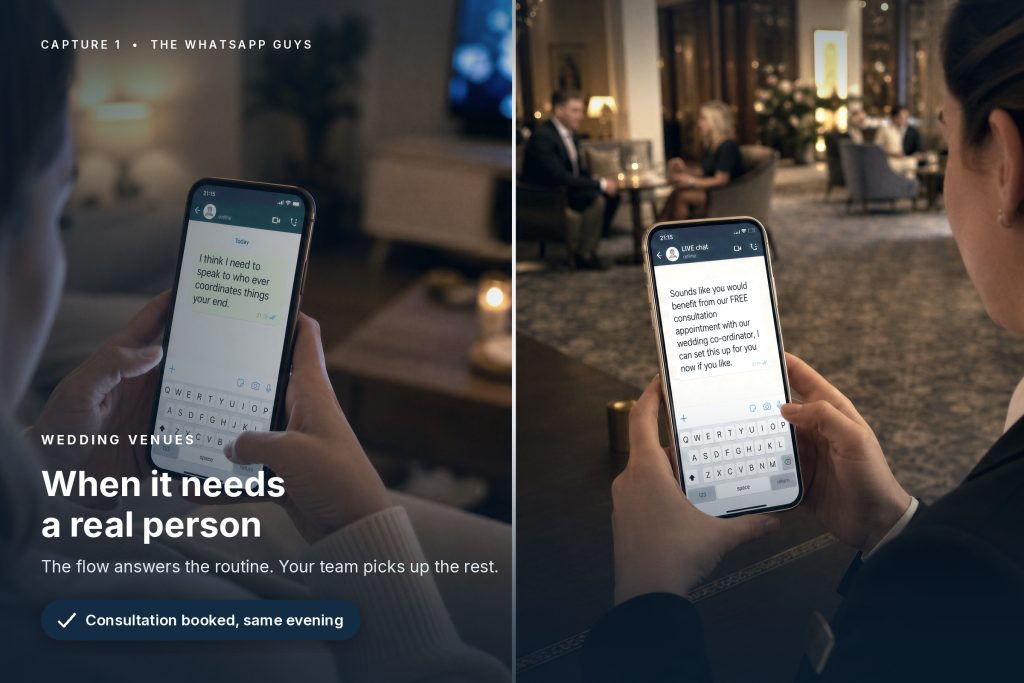
A customer messaging from home on the left and a hotel team member replying from the lounge on the right

The same conversation, from both ends. She never starts again; the team member never starts cold.

A customer might need a person because the question is unusual, the circumstances do not fit the normal rules, the conversation is commercially important, or they simply ask to speak to someone.

When that happens, the experience should not turn into: “Please email us and explain everything again.”

So we define the handover as a designed step: what triggers it, who receives it, and what travels with it.

Rachel HughesWeddings team · assigned 09:02

Handed over because the customer asked about exclusive use and a marquee licence — outside the approved automated answers.

  • Who the customer is
  • What they have already asked
  • What information has already been provided
  • What answers and preferences they gave
  • Which journey they came through
  • Why the conversation was handed over

Your team gets a much better starting point.

And the customer gets the sense that they are continuing one conversation, not starting a second one.

Routing

Route conversations to the people who can actually help.

Human handover does not have to mean tipping every live conversation into one shared queue.

One WhatsApp inbox

Wedding enquiryWeddings team

Existing hotel guestReception & guest services

Membership enquiryMembership team

Complex event questionEvent support

Sales-ready enquirySales team

Existing customer issueCustomer service

Conversations can be organised around enquiry type, customer answers, location, department, campaign or other useful conditions. The routing model should reflect the people you actually have, rather than forcing your organisation to work around the technology.

The technology stack

Connect to the systems you already rely on.

We regularly design customer journeys that need to exchange information with other parts of the client technology stack.

CRM and sales

Pass contact details, qualification information, source data and status into systems such as HubSpot.

Booking and registration

Use booking, event or registration information to start or personalise communication, or return useful information to the operational workflow.

Marketing platforms

Keep opted-in customer data and segmentation aligned with wider email, CRM or campaign activity where appropriate.

Data and reporting

Google Sheets or another data store for practical reporting, operational visibility and lightweight workflows.

Automation platforms

Make or Zapier to connect systems and orchestrate multi-step processes when there is no suitable direct integration.

APIs and custom connections

Where the client system supports it and the business case justifies it, a more tailored connection.

Simplest reliable routeMore work to build and maintain


A data store

A well-designed Google Sheet, used properly, solves more workflows than people expect.

Direct integration

Where the platforms already talk to each other and the fields you need are supported.

Make or Zapier

For multi-step logic, conditions and systems with no native connection between them.

API or custom

When the system allows it and the volume or value of the information justifies the build.

Not every platform can connect in the same way, and not every integration is worth building. We assess what the system allows, what information genuinely needs to move and what operational benefit it will create before recommending an approach.

Two views of one journey

The customer sees one conversation. Your business can see a working process.

What the customer sees

  • An easy WhatsApp conversation
  • Questions that make sense
  • Useful answers
  • A clear next action
  • A person joining when needed

What happens behind it

  • Contact identified or created
  • Journey source recorded
  • Answers captured
  • AI knowledge checked
  • Tags or status updated
  • CRM, booking or registration workflow triggered
  • Conversation assigned to the right team
  • Outcome available for reporting and follow-up

Sophisticated behind it. Simple in front of it.

Good integration should make the customer experience feel easier, even when the process supporting it is doing a great deal more.

In practice

Real-world examples of connected journeys.

A business enquiry arriving on WhatsApp while the website stays open on the desktop

Enquiry nurturing

A better-prepared enquiry

Someone arrives from an advert or website, moves into WhatsApp and answers a few qualification questions. Their details and answers pass into the CRM, so the sales team sees a prepared enquiry rather than a bare form submission.

Enquiry & lead nurturing
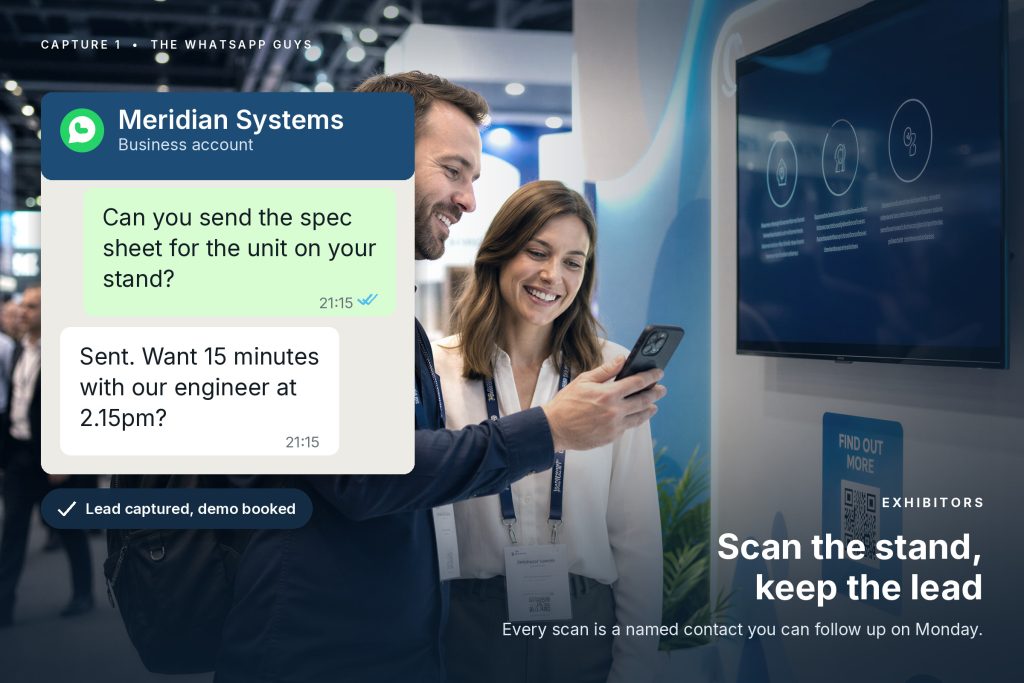
An exhibition visitor scanning a stand QR code to ask a question on WhatsApp

Events

Registration that drives the messaging

Registration data helps trigger confirmations, reminders and useful attendee messaging. Open questions are answered automatically where possible, and unusual queries route to a human event team.

Events & exhibitions
A wedding enquiry being handed to a named member of the venue team

Hotels & venues

Ready before the handover

A wedding, spa, stay or event enquiry gathers what the relevant team needs before handover, while routine questions continue to be handled automatically.

Hotels & hospitality
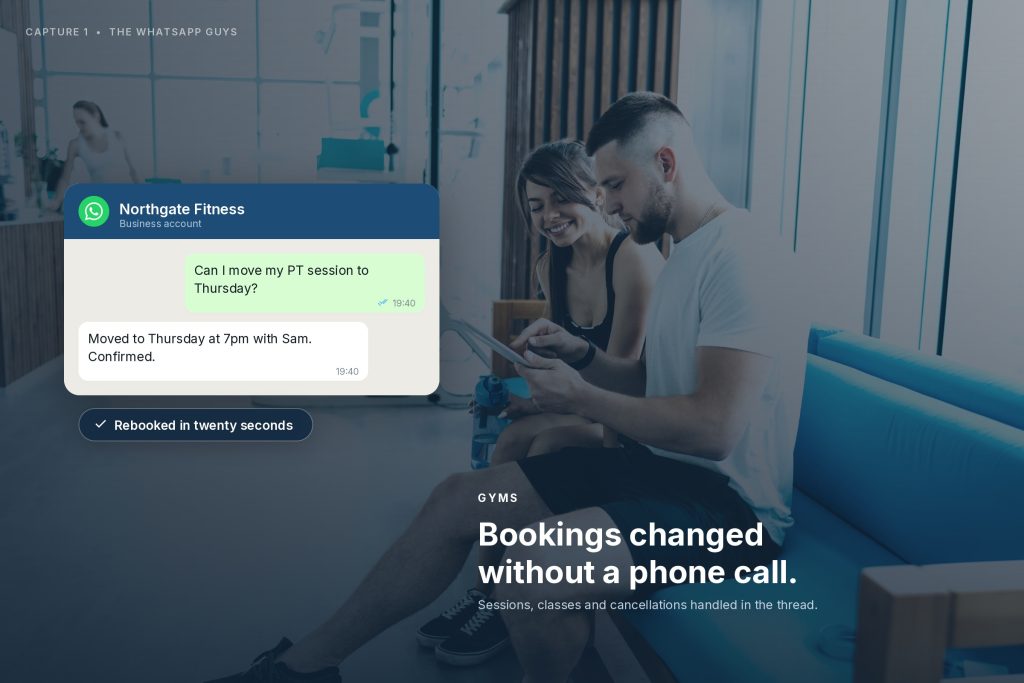
A gym member rearranging a personal training session on WhatsApp

Membership & leisure

Context before the adviser

A prospective member can ask questions, explore the right option and give useful context before a membership adviser joins the conversation.

Leisure & membership
Hotel guests scanning a concierge QR code from the lounge

Customer service

Exceptions reach a person

AI and automation handle repeatable information, while exceptions, complaints and unusual circumstances are assigned to a human team with the preceding conversation visible.

Service businesses
A hotel guest booking a restaurant table on WhatsApp

Operations

Requests that become actions

A guest request made in a conversation can create the booking, notify the right department and confirm back to the customer, without a member of staff acting as the messenger between three screens.

Journey & messaging automation

Client example

UK Hair: a better-prepared handover.

An enquiry begins from the website or campaign activity and continues in WhatsApp, where the customer provides useful information and moves through the appropriate first-stage journey.

Enquiry to sales conversation

Advert or websiteWhatsAppQualificationCRM visibilityHuman follow-up

The technology matters. The handover matters more.

Rather than leaving the information inside the messaging platform, the workflow supports CRM visibility, source tracking and the human follow-up process. The customer has already made progress, and the team has a better starting point before the sales conversation begins.

How we judge it

Integration should remove work, not move it somewhere else.

It is easy to create an impressive-looking automation that quietly adds admin behind the scenes.

Signs it is not really integrated

A member of staff still copies the same details between three systems. Someone manually checks whether a message was sent. A team member pieces together several records to understand one customer.

What we look for instead

The points where information is being retyped, duplicated, chased or lost. Those practical problems are what the design should remove, not decorate.

Not everything needs connecting.

Good systems architecture is as much about knowing what not to integrate as knowing what can be.

A complex custom API connection is not automatically better than a simple reliable workflow. We consider the volume of activity, the value of the information, the reliability of the source system, the maintenance required and what your team actually needs to do with the data.

The aim is a solution your business can live with, not a diagram full of arrows.

A managed service

How Capture 1 approaches an integration project.

We design the connections, build them, test the awkward cases and keep them working as your processes change.

01

Map the current journey

Where does the customer start, what happens today, and where is information copied, delayed, lost or repeated?

02

Define the useful handovers

What genuinely needs to move between the conversation, the systems and the people.

03

Choose the connection

Direct integration, Make, Zapier, API, a data store or a simpler workflow.

04

Build the rules

Triggers, field mapping, routing, assignment, fallbacks and human escalation.

05

Test real scenarios

Normal journeys, missing information, duplicate records, unusual questions and a system being unavailable.

06

Train, review, improve

Make sure the team knows where conversations appear and what context they have, then refine as real customers use it.

Is it right for you

Where this approach tends to add the most value.

  • You already use a CRM, booking, registration or customer database, and want WhatsApp to work with it rather than alongside it.
  • Your team repeatedly copies information from messages into another system.
  • Customers have to repeat information when a human takes over.
  • Different departments need different types of enquiry.
  • You want AI or automation to handle the routine stages but keep people involved in the important ones.
  • You have customer data that could trigger more useful confirmations, reminders or follow-up.
  • You need visibility of what happened in the conversation after it leaves marketing.
  • You want a managed solution rather than asking your internal team to design and maintain the connections.

Questions

Frequently asked questions

Can WhatsApp connect to our CRM?

Often, yes. The approach depends on the CRM and what the connection needs to do. Some platforms have direct integrations, others are better connected through Make, Zapier or an API. We start with the workflow rather than assuming every client needs the same technical setup.

Can you integrate ManyChat with HubSpot?

HubSpot is one of the platforms that can be connected with ManyChat. The important part is deciding which contacts, fields, tags, events or outcomes genuinely need to pass between the systems, and how your sales or service team will use them.

Can conversations be assigned to different team members?

Yes. Human conversations can be organised and assigned around the way your team works, including routing to individuals or groups where the platform setup supports it. We design the rules around the real sales or service workflow.

What happens when the AI cannot answer a question?

The journey recognises when human help is needed and routes the conversation accordingly. We also define boundaries for the AI, so that handing over is an intended part of the experience rather than an emergency fallback.

Will our team see what the customer has already said?

That is the aim of a well-designed handover. The person taking over should have the conversation context available, so the customer is not forced to repeat the journey from the beginning.

Can booking or registration data trigger WhatsApp messages?

It can, where the source system and permissions support the required connection. This is particularly useful for confirmations, reminders, pre-arrival information and event communication.

Do we need a custom API integration?

Not necessarily. We use the simplest reliable approach that solves the workflow. That may be a direct integration, Make, Zapier, Google Sheets or a custom API connection, depending on the client and the systems involved.

What if our software has no integration?

That does not automatically mean the journey cannot be connected. We review whether the system has an API, webhook, export or another practical route. If there is no reliable connection, we will say so and design around the limitation rather than promise something fragile.

Can Capture 1 manage the integration after launch?

Yes. Our service is built around ongoing management as well as initial build: monitoring the journey, maintaining the automation, updating knowledge and refining connections as your processes change.

Talk to us

Where does your customer journey currently break?

Maybe the enquiry reaches the wrong inbox. Maybe your team copies information into the CRM by hand. Maybe an automated conversation reaches a dead end. Or perhaps your systems already hold the information that would make customer communication far more useful.

Show us what happens today. We will help you work out what should connect, what should stay simple and where a person should take over.

Prefer to see it working first? Start a conversation with us on WhatsApp